Don't Type.Just Speak.
The most natural way to write. Just speak, edit, and send text right to your cursor.
The way you work, all in one flow.
Connect over local Wi-Fi, use your own words, switch input modes, move between languages, and send text straight to your cursor.
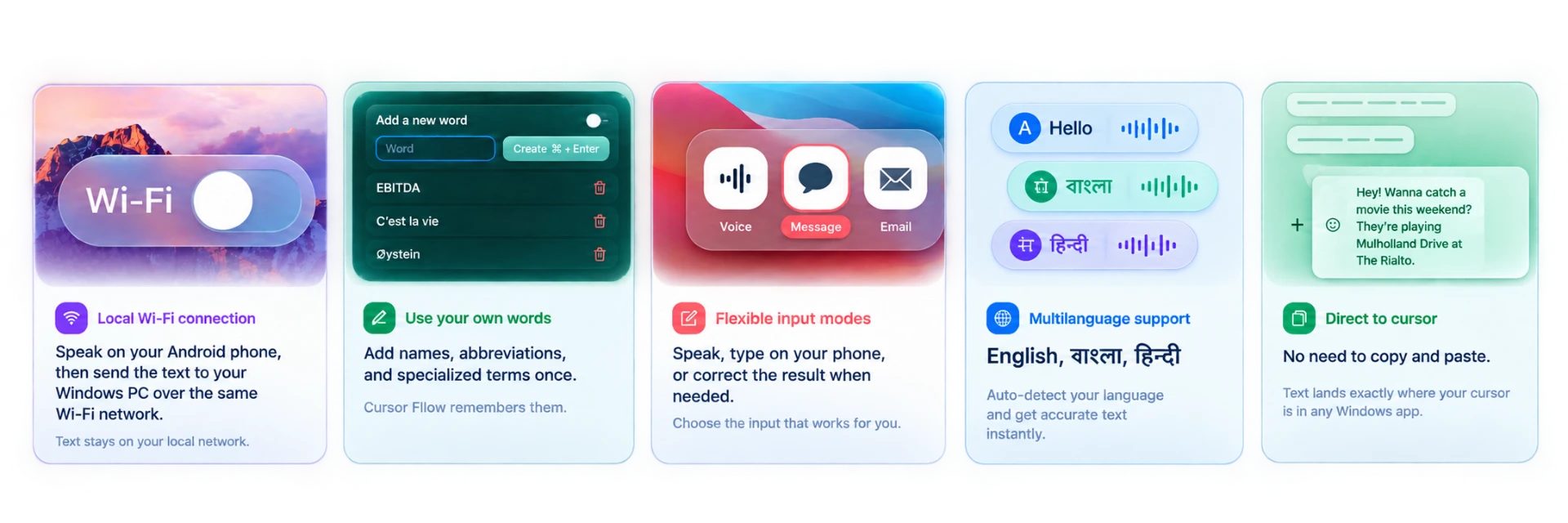
One voice workflow. Every place you work.
From a quick message to a long document, your input should follow your attention—not force you to keep changing tools.
Your words, wherever you write.
From messages and email to notes and documents, keep working in the Windows text field you already have open.
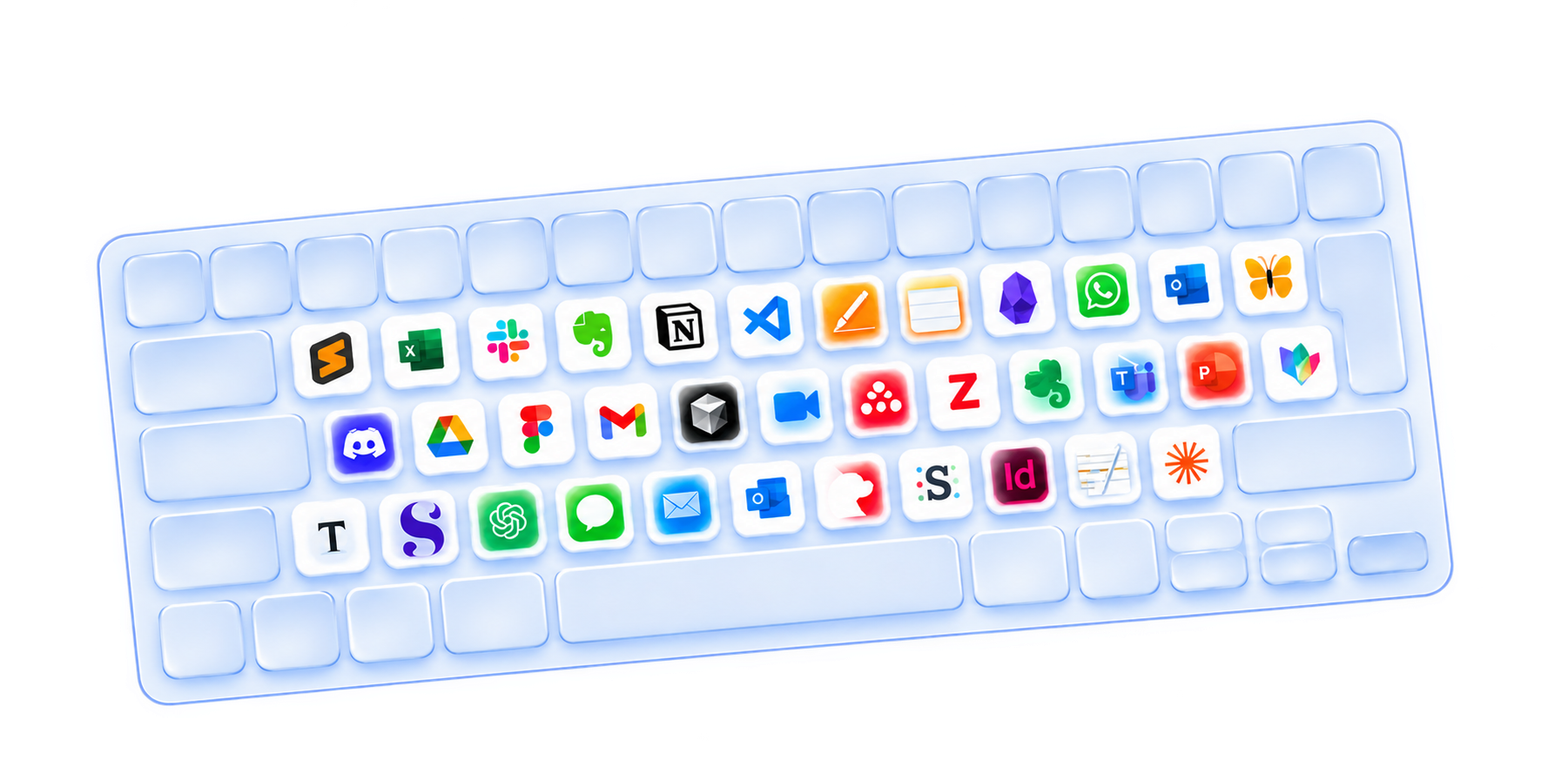
One thought. Every place it needs to go.
Speak on your phone, review the text, and send it to the active cursor in your Windows app. No copy-and-paste detour.
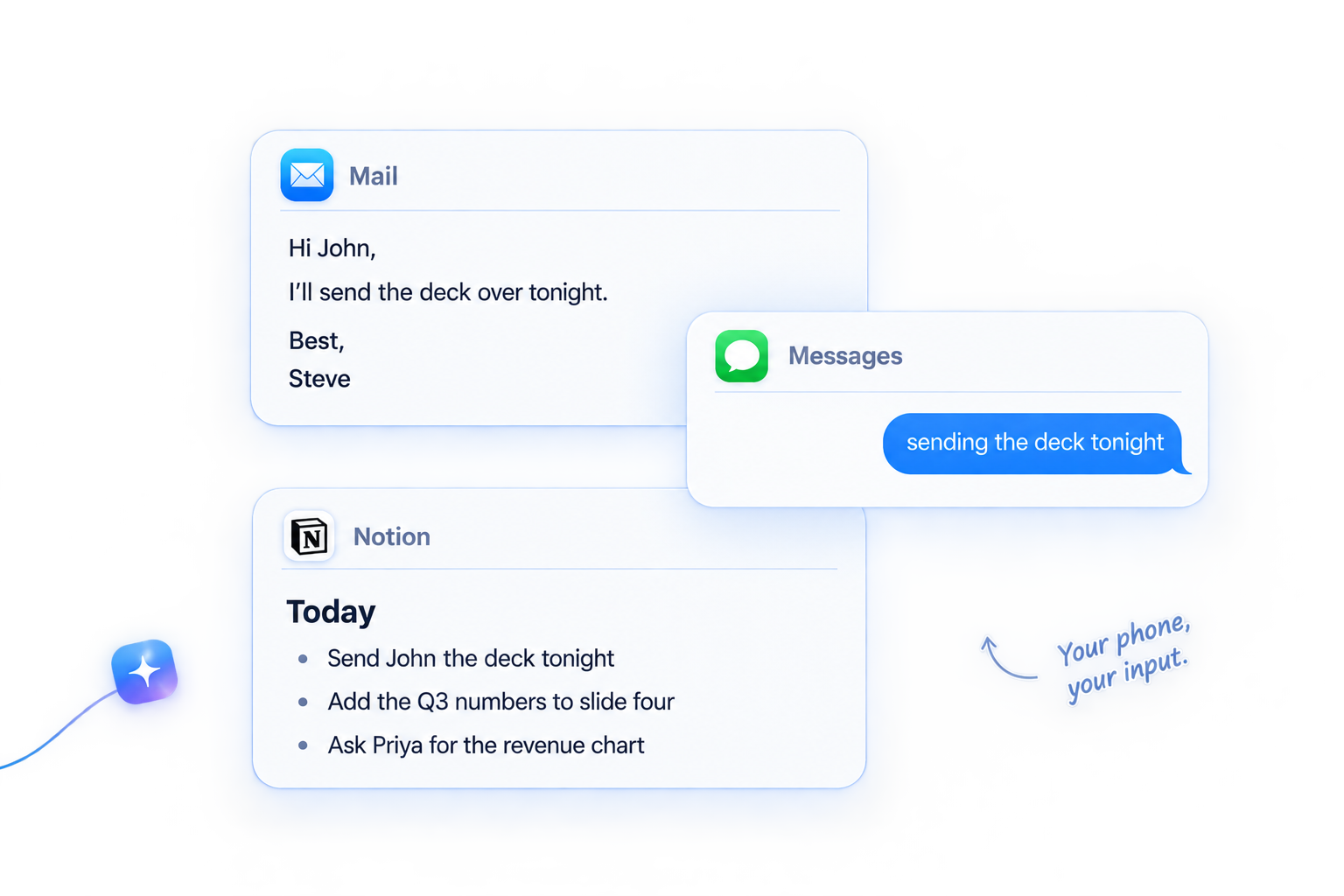
Your best ideas do not wait for a desk.
Speak naturally, review the draft on your phone, make edits with the keyboard, and send the finished text to your PC.
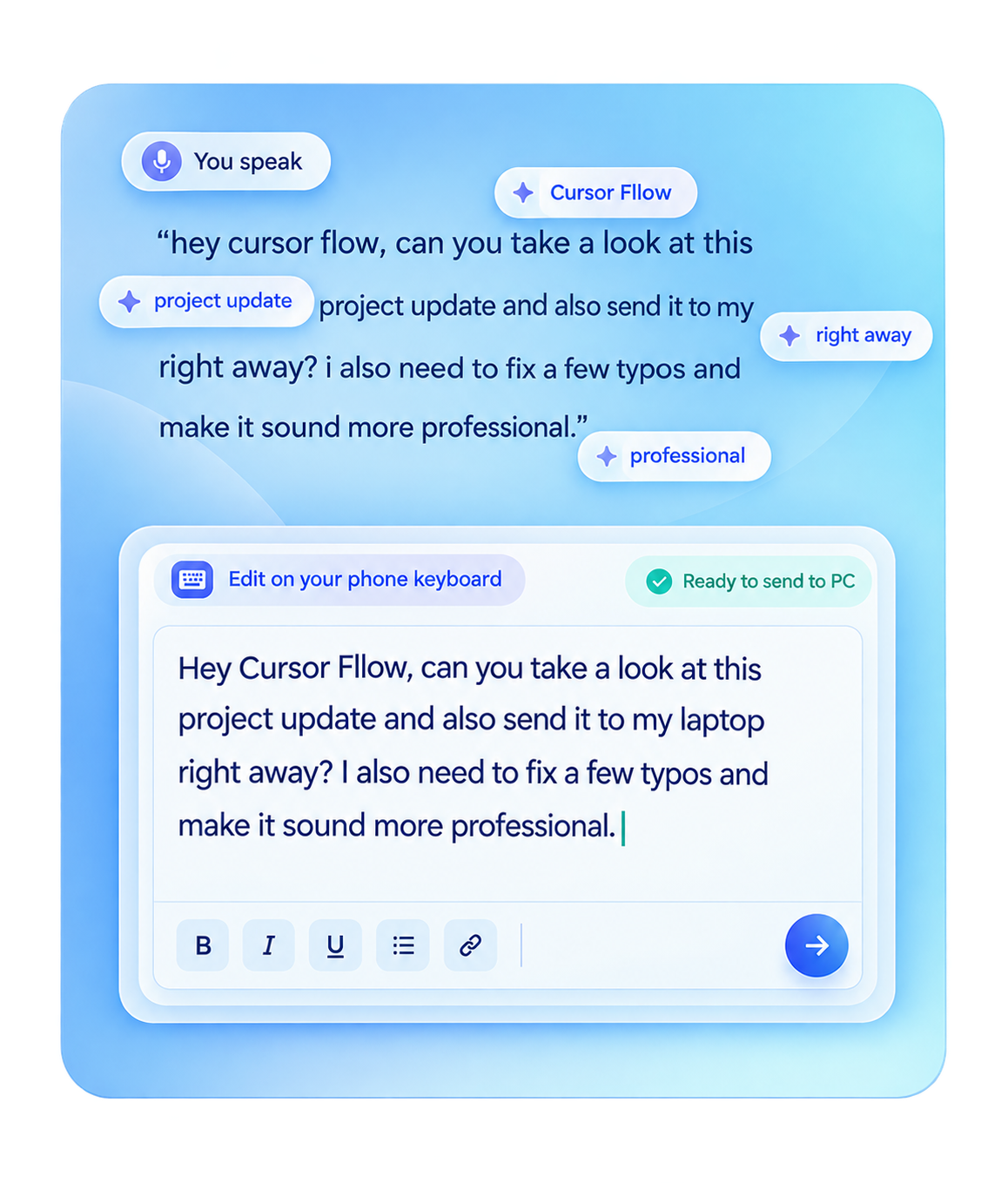
You speak. Review the text. Edit on your phone keyboard. Send it to your PC when it is ready.
A calmer way to get words out.
Use your phone to speak naturally, make the small edits that matter, and send the finished thought without losing the thread.
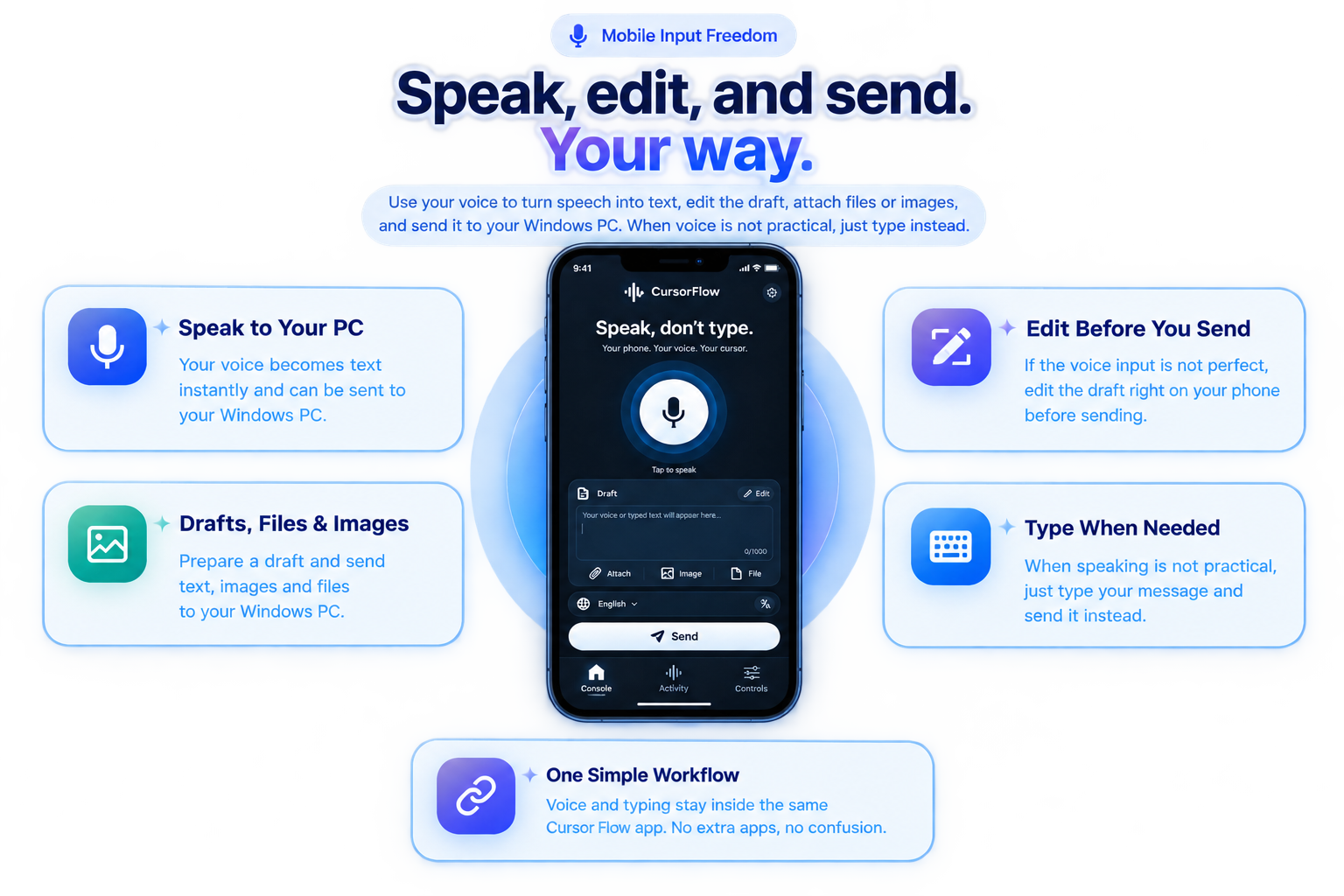
Speak to your PC. Edit before you send. Draft on your phone or type when speaking is not practical.
A better bridge between phone and PC.
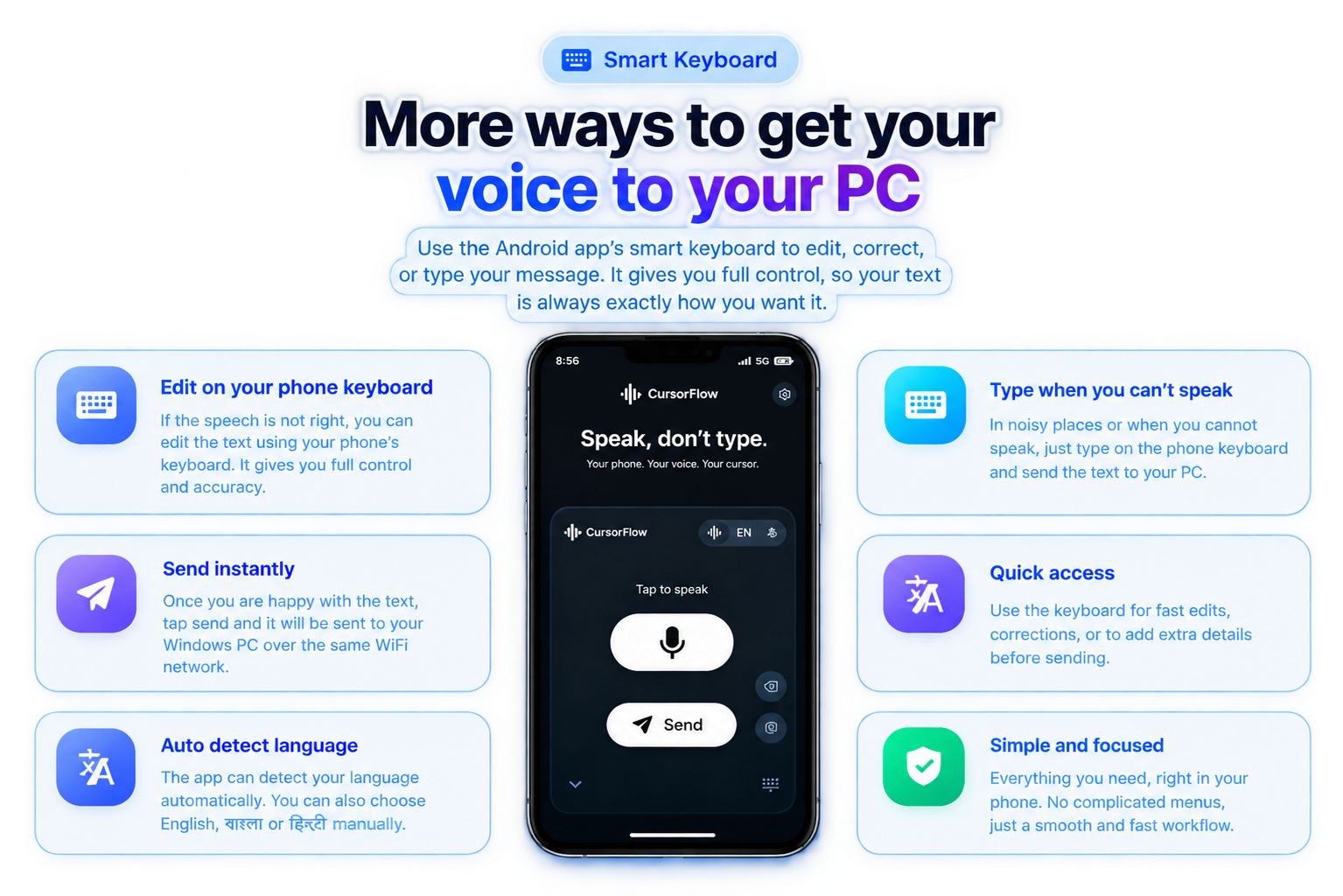
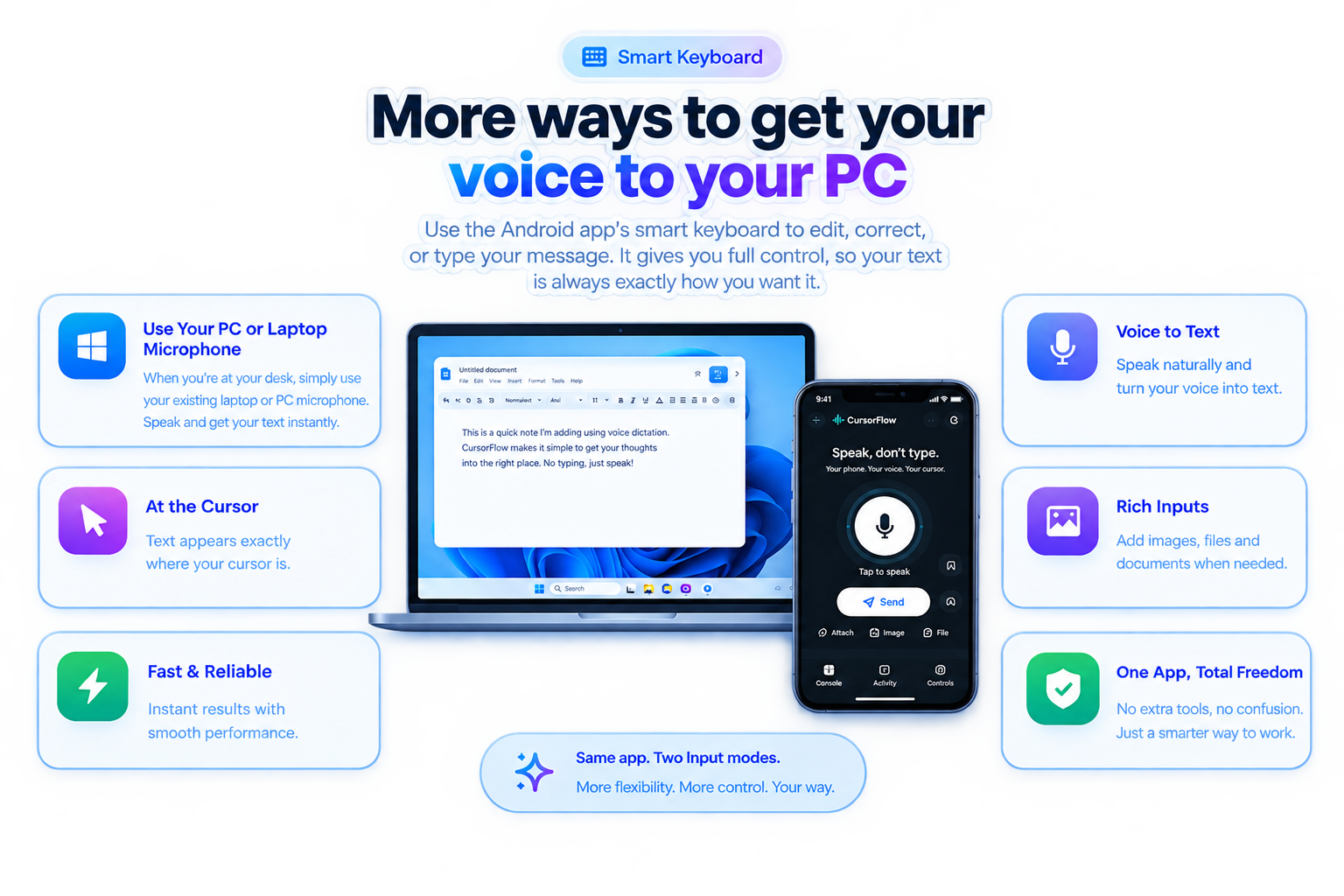
Use the phone keyboard to edit or type when speaking is not practical. Send the finished text over local Wi-Fi to your Windows cursor.
Recover the time typing takes away.
Think about how much time you spend typing and where another way to enter text could fit into your day.
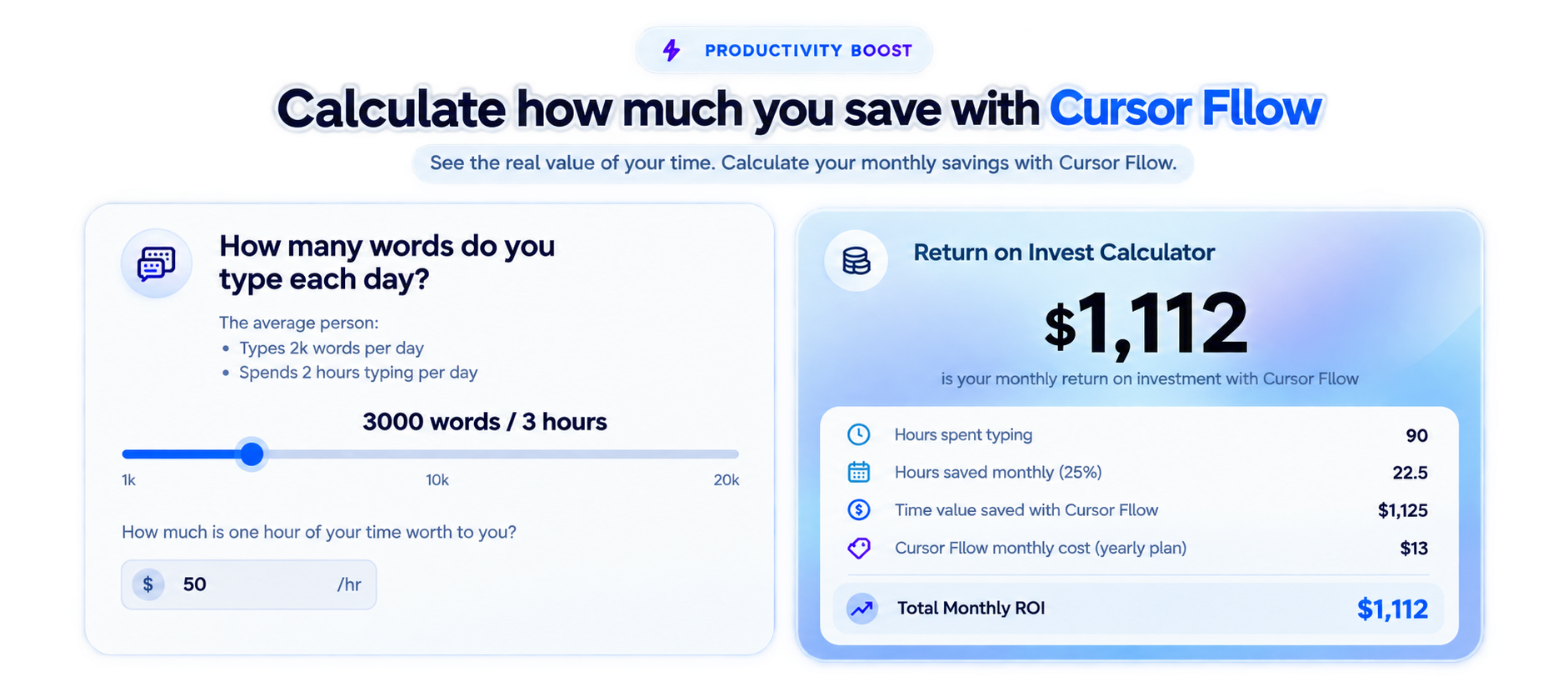
Explore what your typing time is worth. The figures shown are an illustration, not product pricing or guaranteed savings.
Make the workflow your own.
Keep modes, vocabulary, and input preferences in one place, so your setup stays close to the way you write.
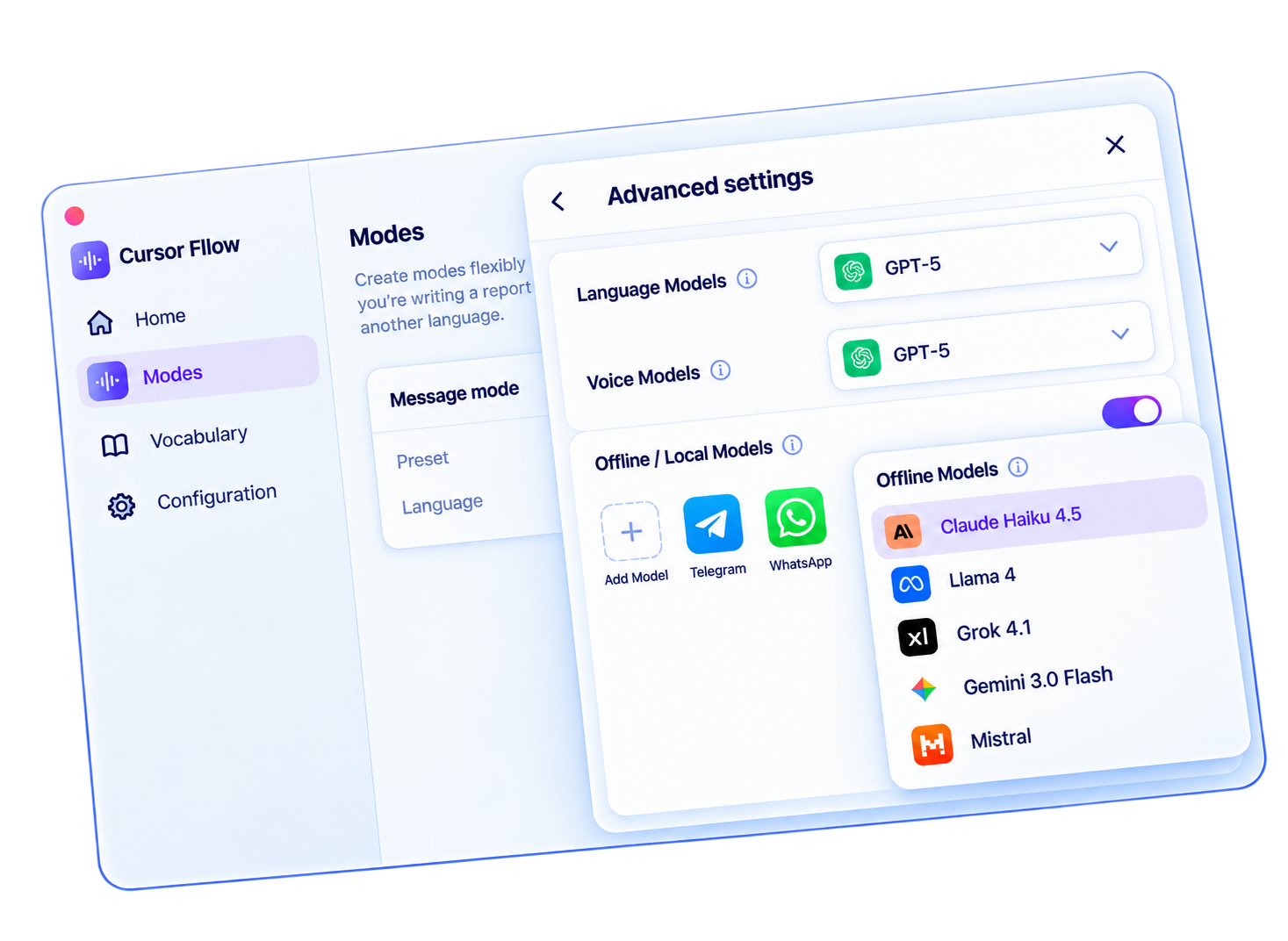
Your voice should stay yours.
Cursor Fllow is being shaped around a clear phone-to-PC workflow over local Wi-Fi, with honest boundaries and control over how your input moves.
Try the experience now
Speak in English, বাংলা, or हिन्दी. Live browser recognition shows words as you speak.
Your live transcript will appear here.
Chrome and Edge use the Web Speech API for live transcription. Other browsers fall back to recorded-audio transcription. In the Cursor Fllow app, recognition happens on your Android phone and only text travels over local WiFi.
Writing in हिन्दी? See Hindi voice typing
Questions,
answered.
What devices does Cursor Fllow support?
Cursor Fllow is being built for Android and Windows first. Both devices need to be on the same local Wi-Fi network.
Does my voice leave my phone?
No. Speech recognition happens on your phone; only the resulting text is sent to your paired PC.
Can I use it in any app?
Yes. Text is sent to the active cursor, so it works across your browser, editor, messages, notes, and other text fields.
Which languages are supported?
English, বাংলা, and हिन्दी are supported in the current product direction.
Your next idea is already waiting.
Join the Cursor Fllow waitlist and help shape a faster way to move from thought to text.